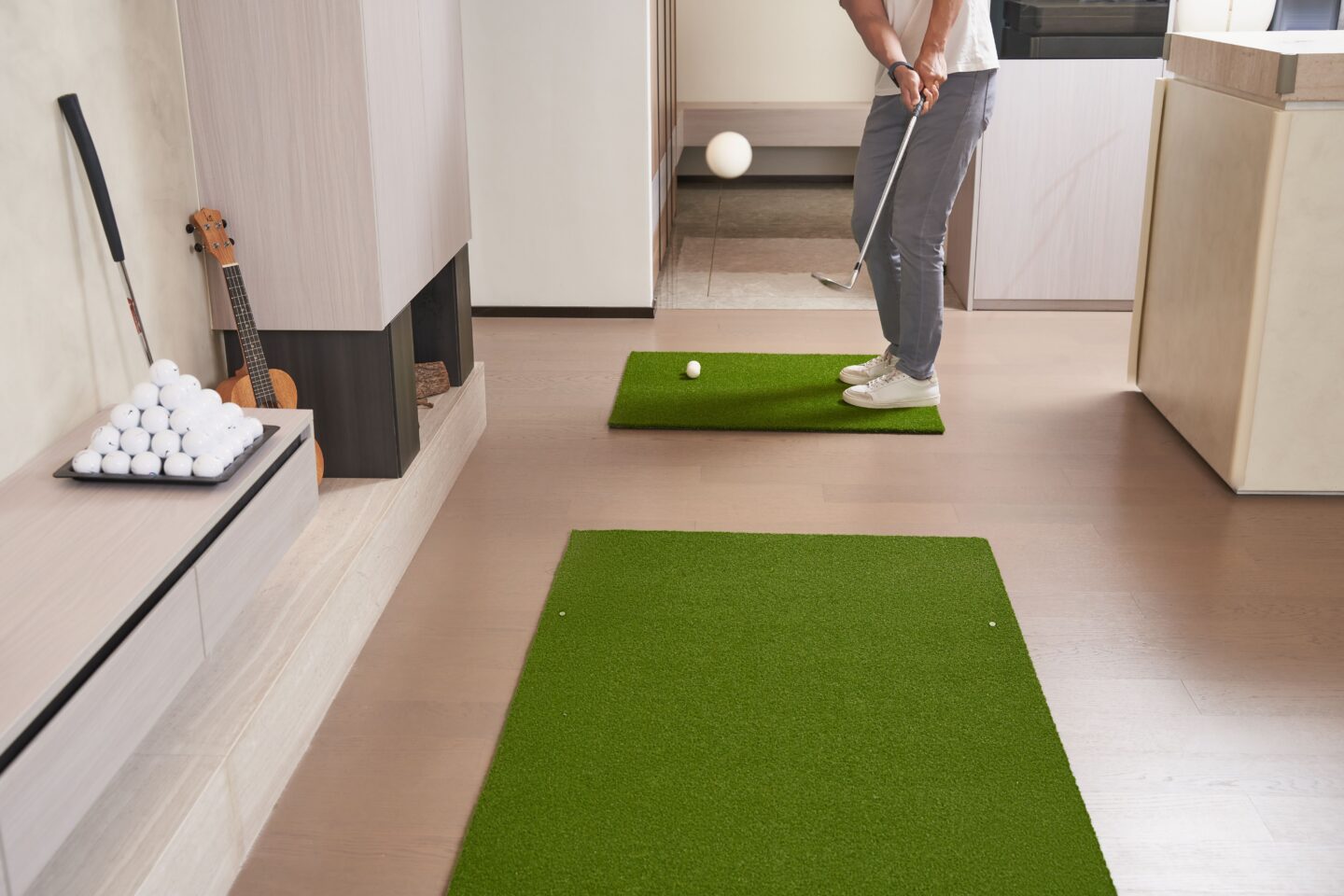
It’s 9 p.m. and you’re swinging a 7-iron into a garage mat, hitting a foam ball, guessing whether that felt right. You can’t see your own swing, so you can’t fix it. Here’s the good news: you can track your golf swing at home by mounting a club sensor, recording your swings, and reading measured metrics against real benchmarks. No coach or launch monitor required. This guide walks you through six steps to set up, capture, and read your numbers, so every rep in your garage becomes measurable progress.
1. Why Track Your Swing at Home
You feel like you made a smooth, controlled swing. The ball says otherwise. Feel lies, and it lies most when nobody is watching. On the range you can sometimes read ball flight, but at home into a mat or net, that feedback disappears.
Eyeballing your own motion is close to impossible. Your swing takes about a second, and the moments that matter, the transition and impact, happen faster than your eyes can register.
Measured data fixes that. A club sensor records exact numbers like a tempo ratio and club speed in mph. Instead of guessing, you know your tempo ratio was 2.4:1 when tour players sit between 2.8:1 and 3.2:1. Numbers give you something to chase and confirm. That’s the whole point of learning to track your golf swing at home: turn invisible feel into data you can act on tonight.
2. What You Need to Get Started
Maybe you already tried filming yourself on your phone. It’s a start, but video shows you shape, not measured numbers, and you still have to interpret it yourself. Here’s the short kit list.
- Blast Golf sensor and mobile app. The sensor attaches to any club grip and pairs with the iOS or Android app. No setup or calibration required.
- Your phone. It runs the app and captures smart video.
- A small space. Air Swings need no ball and no net, so a living room or garage works fine.
- A tripod (optional). Handy for hands-free video capture.
Phone video alone can’t measure tempo or club speed either. A club-mounted sensor gives you both the number and the video. Clip it on and you’re ready to record.
3. Step-by-Step: Set Up and Record Your Swing
You’ve got the sensor and app. Now let’s capture a swing you can actually read. Follow these six steps.
- Mount the Blast sensor on your club. Snap it onto the butt end of the grip. It works on a driver, iron, wedge, or putter, with no calibration needed.
- Open the Blast Golf app. Connect the sensor over Bluetooth and let it pair.
- Choose your swing and club type. Pick full swing, short game, bunker, or putting, then select the club. The right club setting matters, because Blast iQ benchmarks your numbers by club type.
- Take your swings, or go ball-free with Air Swings. Hit into a net or mat if you have one. No ball or net? Air Swings capture your full-swing metrics without contact, so even a bedroom works.
- Use smart video capture. Point your phone (a tripod helps) and let smart video record the swing automatically, synced to the sensor.
- Review the auto-edited video with metric overlays. The app trims your clip and stamps the numbers right on the frame, so you see tempo, club speed, and face rotation next to the motion that produced them.
Run five to ten swings to build a stable read instead of a one-swing fluke. That set becomes your baseline for the metrics below.
4. The Key Metrics to Track (and Their Targets)
You’ve got a video full of numbers. Here’s what each one means and the target to chase. Blast iQ shows every metric with a green, yellow, or red indicator and a goal range benchmarked by your handicap and club type, so you always know whether a number is good for you.
- Tempo ratio. The ratio of your backswing time to your downswing time. Tour pros average between 2.8:1 and 3.2:1 on the full swing. Too quick a transition wrecks your sequencing.
- Club speed. How fast the club is moving, in mph. More speed adds distance when your contact holds up.
- Face rotation. How much the clubface rotates through impact, in degrees. It’s a leading cause of the slice or hook you can’t explain.
- Attack angle. Whether the club is moving up or down at impact, in degrees. It drives your launch and strike quality.
- Hand speed. Your peak hand speed through the swing, a window into how you deliver energy.
Blast Golf also tracks detailed putting metrics, including stroke speed and direction. Don’t try to fix all five at once. Green means keep it, yellow means watch it, red means work on it. Let the traffic lights tell you where to start.
5. How to Read Your Numbers and Fix What Matters First
Your first session shows three reds. That’s normal, and chasing all of them at once is how you get worse. Fix one metric at a time.
Start with the red that affects the most shots. For many golfers that’s tempo ratio. Research from Yale professor Dr. Robert Grober, covered by Golf Digest, found that skilled players tend toward a roughly 3:1 tempo, backswing to downswing. If yours reads 2.2:1, that’s your first project.
Then use the tools already in the app. Blast Golf includes drills and lessons tied to each metric, so you get a specific fix instead of a vague tip. Run the drill, then re-record and confirm the number moved.
Track trends across sessions rather than judging one swing. The app charts your metrics over time, so you can watch your tempo ratio drift toward that 3:1 window week over week. When one metric turns green and holds, move to the next. That’s how home practice compounds. For a deeper look, read our guide on golf swing tempo ratio.
Click here to shop Blast Motion
6. Common Home-Tracking Mistakes to Avoid
You’ve got a system now. Here’s what quietly derails it.
- Eyeballing only. If you’re judging swings by feel or a naked-eye video, you’re back to guessing. Let the sensor grade it.
- Chasing ball data alone. A good result can hide a bad move. Body and club data, like face rotation and tempo ratio, tell you why the ball did what it did.
- Ignoring trends over time. One swing is noise. Your progress lives in the multi-session chart, not in tonight’s best rep.
- Selecting the wrong club in the app. Log a wedge swing as a driver and Blast iQ benchmarks it against the wrong goal range, so your greens and reds lie to you.
Fix these and every garage session moves you forward. Set the right club and watch the trend line climb.
Supporting Resources
- What Is Golf Swing Tempo Ratio?: go deeper on the most important number to fix first.
- Improve Your Golf Swing: fundamentals to pair with your tracked metrics.
- Blast Golf: see the sensor and app that make home tracking measurable.
Closing
Learning to track your golf swing at home isn’t complicated. Mount the sensor, record your swings, read the numbers against your benchmarks, and fix one metric at a time. Do that weekly and your garage reps turn into real, measurable gains. Get after it.